How to Set Up Best Sellers Protection in Vairo
Best Sellers Protection helps prevent competitors from identifying your top-performing products by hiding best-selling product sorting options and blocking direct access to best-selling product URLs.
This feature helps protect your sales strategy and reduces the risk of competitors analyzing your store's best-selling products.
How to Set It Up
Step 1: Enable Vairo App Embed
- Make sure the Vairo App Embed is enabled before setting up Best Sellers Protection.
- If you haven't enabled it yet, follow this guide: How to Enable Vairo App Embed.
Step 2: Activate Best Sellers Protection
- Open Vairo in your Shopify Admin.
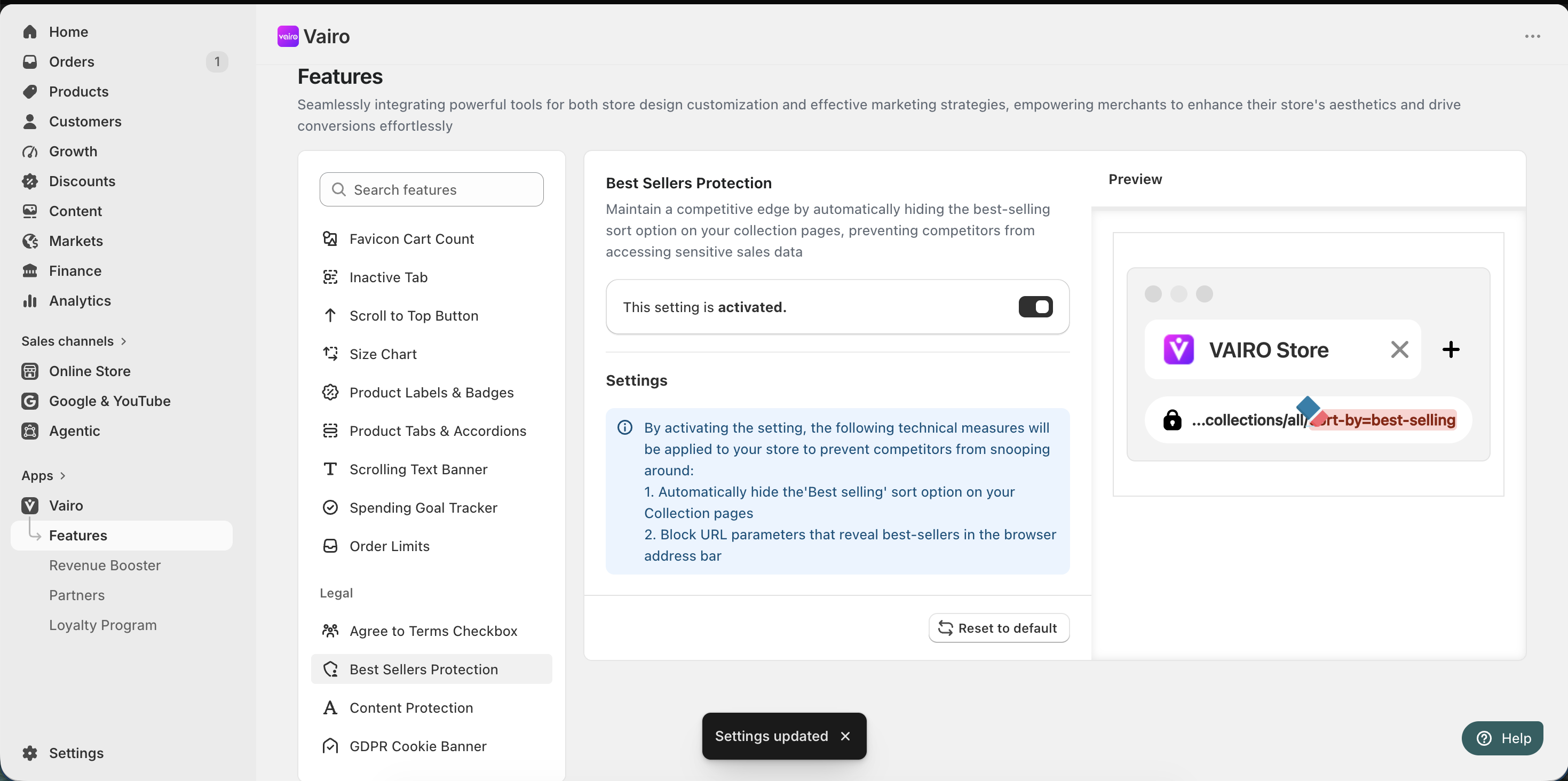
- Navigate to Legal > Best Sellers Protection.
- Click Activate feature and Save.
What Happens After Activation?
When Best Sellers Protection is enabled, Vairo automatically applies the following protections:
- Hides the Best selling sort option on your collection pages.
- Blocks URL parameters that reveal best-selling products in the browser address bar.
These measures help prevent competitors from discovering and analyzing your store's top-performing products.
Need help?
If you need further assistance, feel free to contact our support team at [email protected].